
How to Integrate Stripe with Odoo and Automate Reconciliation
How to connect Stripe with Odoo: the three approaches, how to book fees and refunds, and which one fits your volume.
If you run Odoo as your ERP and use Stripe to take payments, sooner or later you hit the same question: why don't the bank figures match Odoo? The answer is almost never a bookkeeping error. It's that both systems are recording different things, and no one has taught them to talk to each other.
This guide walks through the three real ways to integrate Stripe with Odoo, what each one solves, and how to avoid the fee mismatch that shows up the moment your volume grows.
Table of contents
- What the native integration solves (and what it doesn't)
- The fee mismatch
- Three ways to integrate Stripe with Odoo
- The cases that break the simple solutions
- How to decide which one fits
- Frequently asked questions
- Conclusion
What the native integration solves (and what it doesn't)
Odoo ships with Stripe as a payment provider. You configure it from the accounting or e-commerce module with your API keys, and from then on your customers can pay by card from your Odoo shop, the customer portal, or a quotation sent by email.
That solves taking the payment. And it does it well.
What the native integration doesn't do matters just as much:
- It doesn't sync charges made outside Odoo. If your app charges directly against the Stripe API, or you manage subscriptions inside Stripe itself, those charges won't reach Odoo on their own.
- It doesn't reconcile payouts. Stripe doesn't transfer each charge separately: it groups several and pays out to your bank periodically. That grouped transfer is what shows on your statement, and it matches no single invoice.
- It doesn't book the fees. And this is the problem that eats the most time.
The fee mismatch
Stripe deducts its fee before transferring your money. Your Odoo invoice records the gross amount; your bank receives the net. The difference doesn't disappear: it's an expense you have to book.
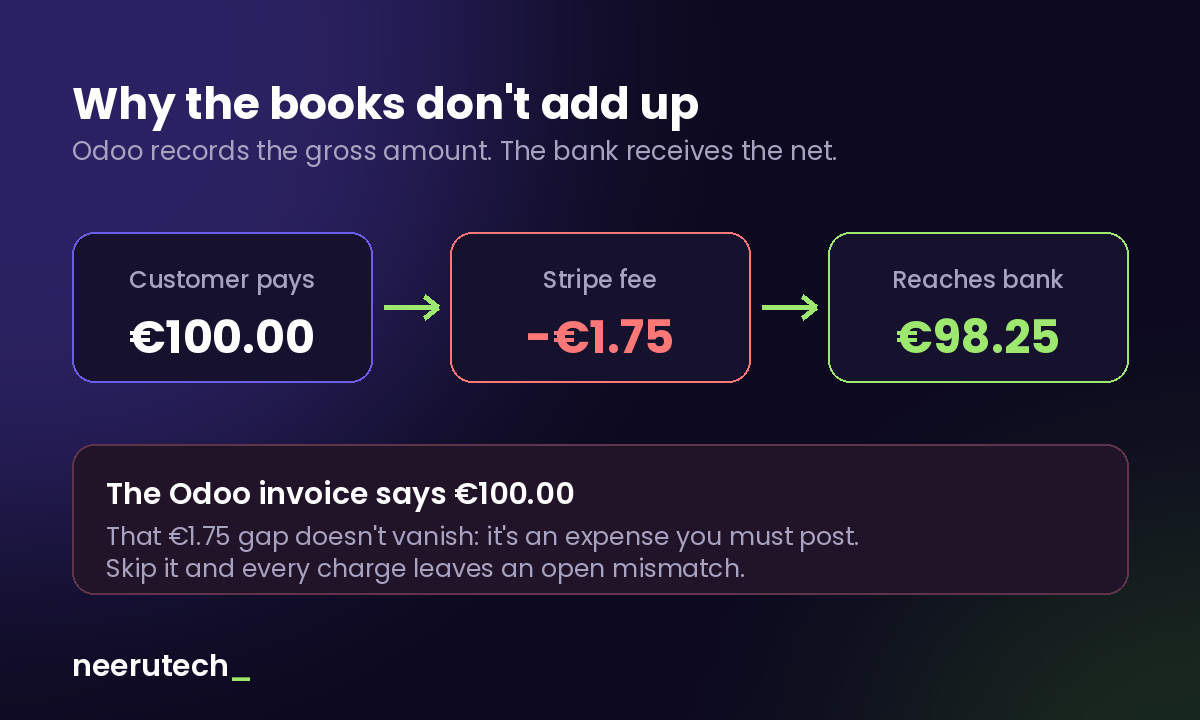
With one sale a month you adjust it by hand and nothing happens. With three hundred, you have three hundred small differences someone has to justify one by one.
The standard accounting solution is a clearing account (a transit account representing the balance you hold in Stripe):
- When the customer pays, the charge is booked against the clearing account at the gross amount.
- The fee is booked as an expense, reducing that account's balance.
- When Stripe pays out, the transfer from the clearing account to the bank is booked at the net amount.
That way your bank statement matches your books with no manual adjustments, and the fees are recorded as the expense they are (deductible, too). Building that circuit is exactly what none of the free options does on its own.
For the full picture of the problem beyond Odoo, we cover it in our guide on how to automate invoicing by syncing Stripe with your accounting system.
Three ways to integrate Stripe with Odoo
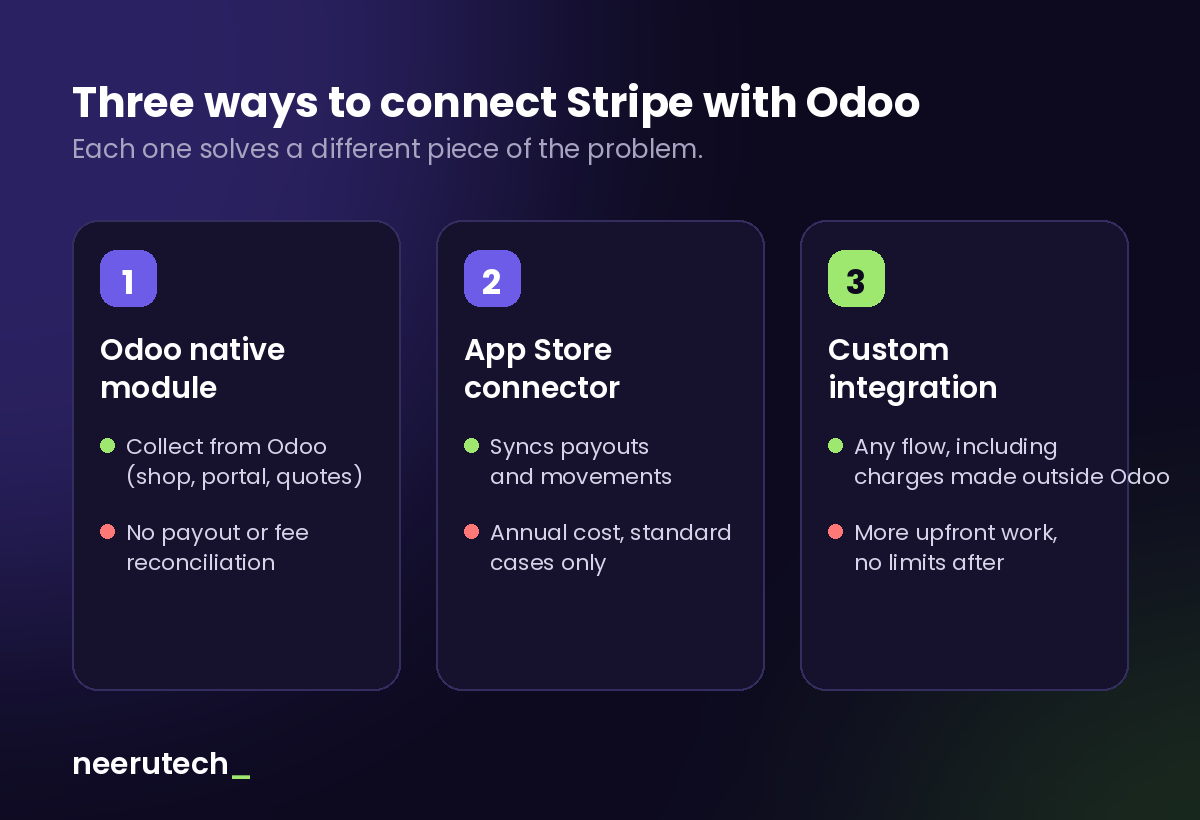
Option 1: the native payment module
It's the starting point and it's free. It covers taking payments from Odoo and little else. Fine if you sell from the Odoo shop, have few transactions, and don't mind adjusting fees manually at close.
Option 2: an Odoo App Store connector
The Odoo App Store has third-party modules that extend the integration: payout syncing, importing Stripe movements as a bank statement, or automatic fee posting. They usually carry an annual cost and one important caveat: they're built for the standard case. If your operation falls outside the expected path, you hit the limit fast.
Before buying one, check two things: that it's compatible with your Odoo version, and that the module still receives updates.
Option 3: a custom API integration
It's built against the Stripe API and the Odoo data model, typically by listening to the events (webhooks) Stripe sends when something relevant happens: a completed charge, a refund, a payout. Each event triggers the matching action in Odoo.
It can be built with an automation tool like n8n —we explain how n8n works— or with development directly on Odoo. It's the only option that covers charges made outside Odoo and operations that don't fit the standard mold.
| Native module | App Store connector | Custom | |
|---|---|---|---|
| Upfront cost | None | Low | Medium-high |
| Recurring cost | None | Annual license | Maintenance |
| Charges made in Odoo | Yes | Yes | Yes |
| Charges made outside Odoo | No | Depends on module | Yes |
| Payouts and fees | No | Usually yes | Yes |
| Refunds and disputes | Partial | Depends on module | Yes |
| Adapts to your operation | No | Little | Fully |
The cases that break the simple solutions
These are the scenarios where the standard options fall short. If you recognize any of them in your business, weigh it before choosing an option:
Partial refunds. Refunding the full amount is straightforward. Refunding part of it forces you to generate the right credit note in Odoo and adjust the fee, which Stripe doesn't always return.
Subscriptions managed inside Stripe. If recurring charges live in Stripe and not in Odoo, no native integration will bring them over. You need to listen to Stripe's billing events and create the equivalent document in Odoo.
Multi-currency sales. The charge comes in one currency, the payout may arrive in another, and the exchange difference is one more entry someone has to make.
Disputes and holds. When a customer disputes a charge, Stripe holds the amount until it's resolved. That money leaves your available balance and must be reflected in the books, then returned if you win the dispute.
Invoicing compliant with local regulations. The invoices Stripe generates aren't built for country-specific e-invoicing requirements. If you need to issue from Odoo with correct numbering and format, the fiscal document must originate in Odoo, not in Stripe.
How to decide which one fits
There's no single answer, but there is a sensible rule of thumb:
- You sell only from Odoo and have few transactions a month: native module and a manual adjustment at close. Integrating more would cost you more than it saves.
- You sell only from Odoo but the volume already hurts: an App Store connector is usually the best cost-to-result ratio.
- You charge from your own app, manage subscriptions in Stripe, operate in several currencies, or your operation has its own rules: a custom integration. It's the only one that adapts to you instead of forcing you to adapt to it.
The practical sign that you've crossed the threshold is simple: if someone on your team spends a day a month reconciling charges and differences still show up that no one can explain, the cost of not integrating already outweighs the cost of integrating.
If you're also deciding which gateway to use, our comparison of Redsys and Stripe breaks down the costs and use cases of each.
Frequently asked questions
Does Odoo have a native Stripe integration? Yes. Odoo includes Stripe as a payment provider, letting you charge by card from the shop, the customer portal, or a quotation. It covers taking the payment, not reconciling payouts or booking fees.
How are Stripe fees booked in Odoo? The usual approach is a clearing account reflecting your Stripe balance: the charge comes in at gross, the fee is booked as an expense, and the payout is transferred to the bank at net. Automating that circuit is what removes the manual adjustments.
Can I bring Stripe charges made outside Odoo into Odoo? Not with the native module. You need a connector that handles it or a custom integration that listens to Stripe events and creates the matching documents in Odoo.
Do I need Odoo Enterprise for this? It depends on the option. The payment module is generally available, but some bank reconciliation features and certain connectors require Enterprise. Worth verifying for your version before deciding.
How long does a custom integration take? It depends on scope. A narrow flow (charges and fees) is a matter of days; covering subscriptions, multi-currency and disputes takes longer. The sensible move is to start with the flow that eats the most time today and expand later.
Conclusion
Integrating Stripe with Odoo isn't a hard technical problem: it's a matter of deciding how far you want to go. The native module takes payments, connectors reconcile the standard case, and the custom integration adapts to how your business actually works.
What isn't an option is leaving it indefinitely in the hands of someone with a spreadsheet. That work doesn't scale, and the mismatches it creates surface months later, when no one remembers the context of each movement.
Are your systems not talking to each other?
At NeeruTech we connect payment gateways, ERPs and accounting tools through custom integrations: without relying on closed modules and without forcing you to change the way you work.
Explore our systems integration and API connection service and stop being the bridge between your own applications.
How much time do you spend each month reconciling Stripe charges with your ERP? Share this article with anyone who could save that work.
Related articles
 Destacado
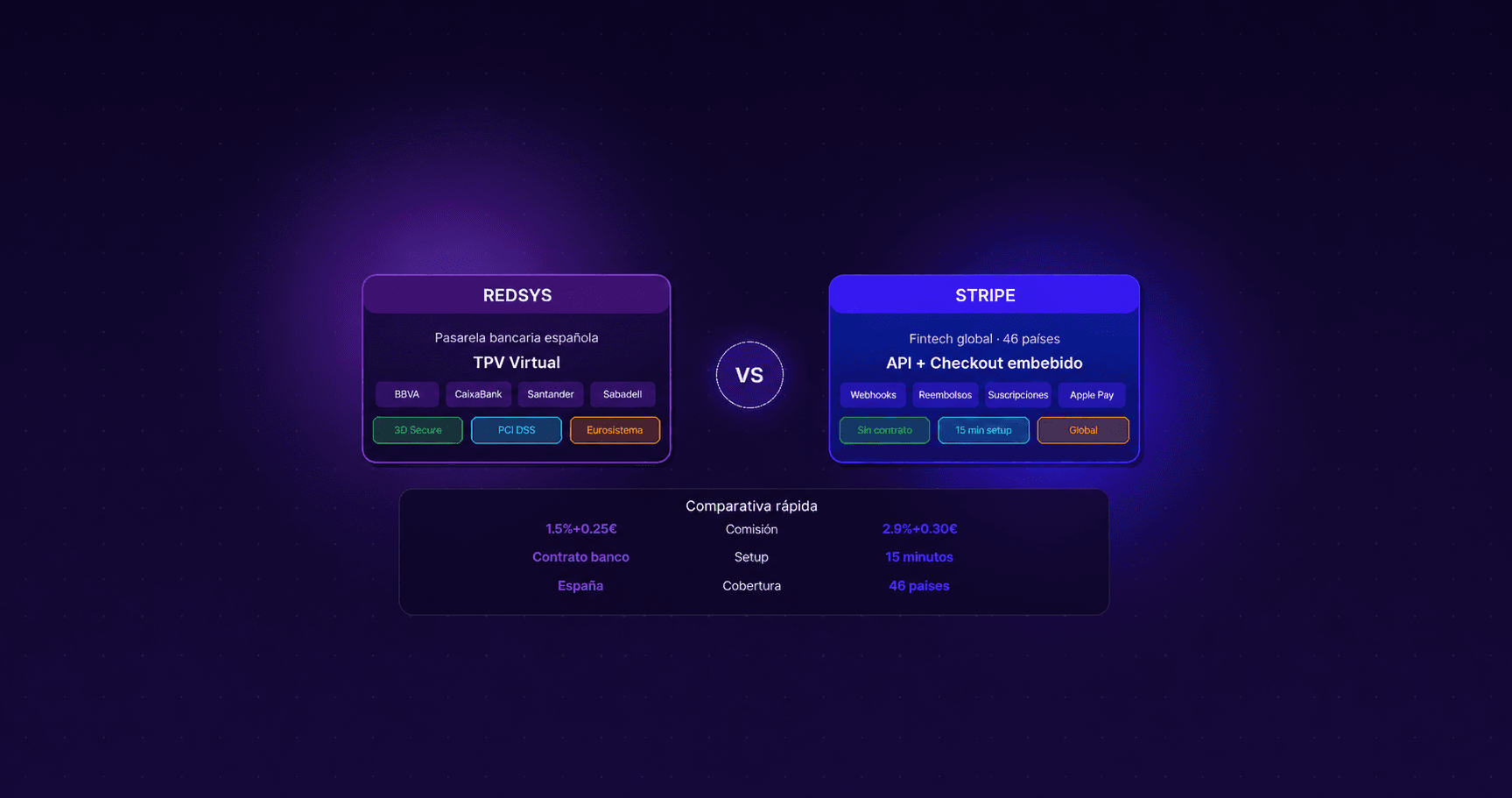
Redsys vs. Stripe: Which Payment Gateway to Choose and How to Integrate It Into Your Corporate Website Without Losing Sales
Payment gateway: Redsys vs Stripe comparison. Choose the best virtual POS for your corporate website and optimize your checkout to prevent lost sales.
 Destacado
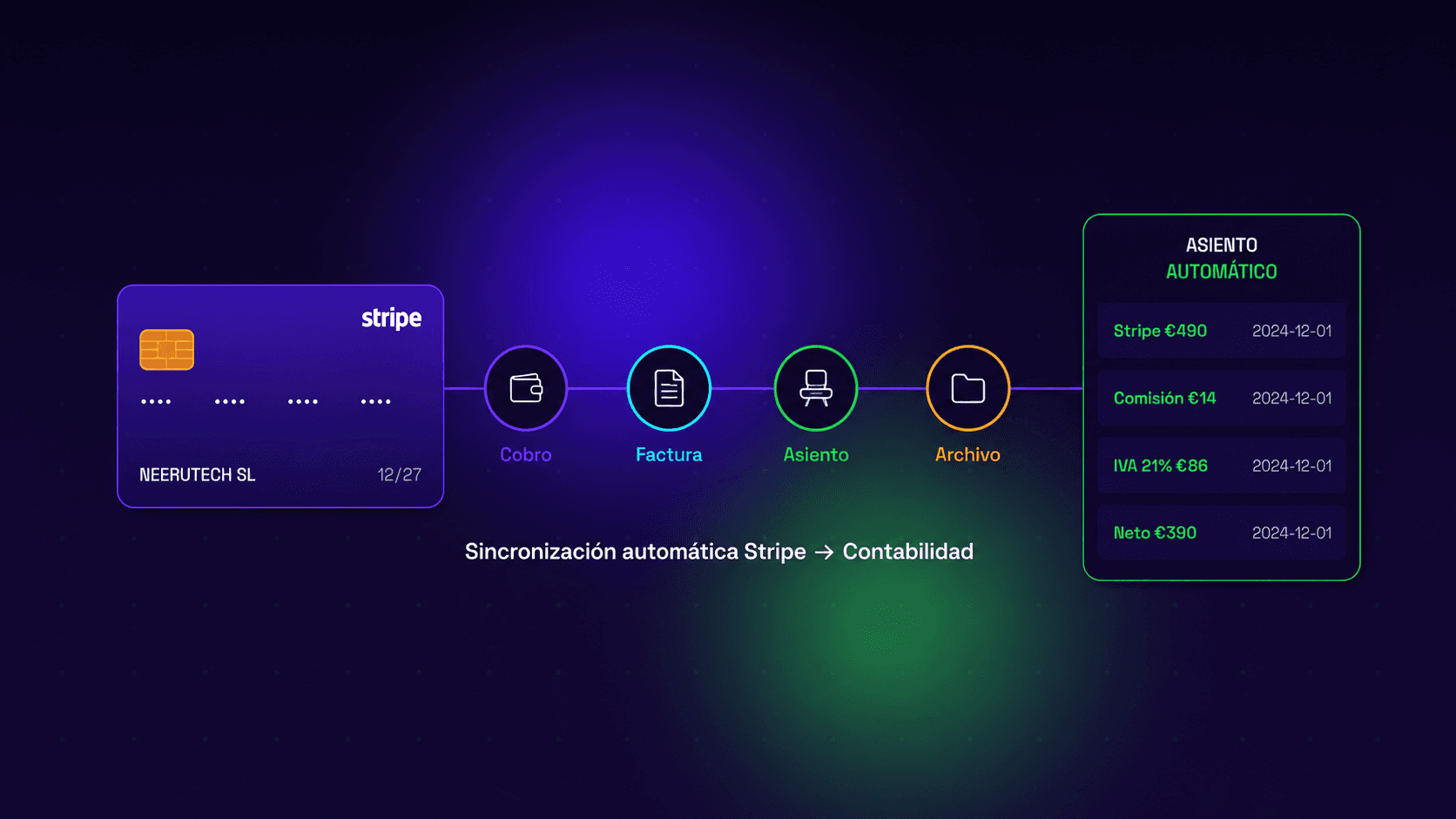
How to Automate Your Invoicing by Syncing Stripe with Your Accounting System
How to automate Stripe bank reconciliation and sync your payments with Odoo, QuickBooks or your accounting software — no manual CSV exports.
 Destacado
When to Leave Excel Behind: Signs Your Business Needs Something Else
The signs your business has outgrown the spreadsheet, the three steps before commissioning custom software, and how to switch without breaking anything.